|

|
matplotlib misc_Examples 10_sample_data_demo. |
H.Kamifuji . |
- sample_data_demo.py
存在する場合は ?/.matplotlib/sample_data キャッシュから mpl データを取得し、そうでない場合は GitHub からキャッシュデータを取り出してキャッシュします
"""
Grab mpl data from the ~/.matplotlib/sample_data cache if it exists, else
fetch it from GitHub and cache it
"""
from __future__ import print_function
import matplotlib.cbook as cbook
import matplotlib.pyplot as plt
fname = cbook.get_sample_data('ada.png', asfileobj=False)

print('fname', fname)
im = plt.imread(fname)
plt.imshow(im)
plt.show()
- 実行結果( sample_data_demo.png )
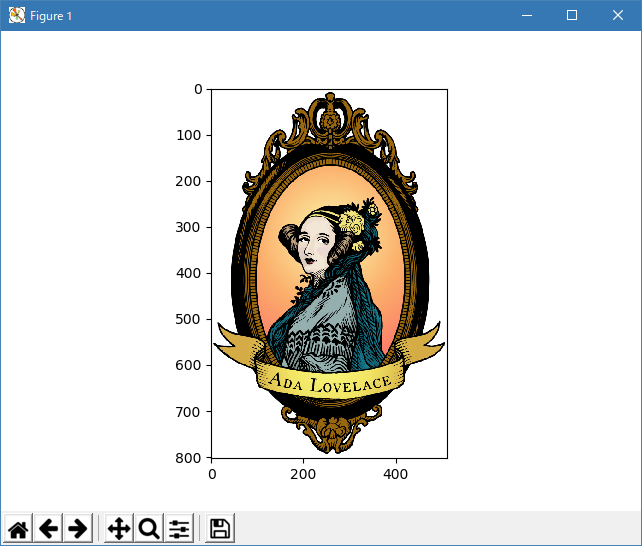
Python 3.11.2 見直しました。上記のコードでは、下記のエラーが発生します。
fname C:\Users\_____\AppData\Local\Programs\Python\Python311\Lib\site-packages\matplotlib\mpl-data\sample_data\ada.png
Traceback (most recent call last):
File "_:\sample_data_demo.py", line 11, in <module>
im = plt.imread(fname)
^^^^^^^^^^^^^^^^^
File "C:\Users\_____\AppData\Local\Programs\Python\Python311\Lib\site-packages\matplotlib\pyplot.py", line 2195, in imread
return matplotlib.image.imread(fname, format)
^^^^^^^^^^^^^^^^^^^^^^^^^^^^^^^^^^^^^^
File "C:\Users\_____\AppData\Local\Programs\Python\Python311\Lib\site-packages\matplotlib\image.py", line 1563, in imread
with img_open(fname) as image:
^^^^^^^^^^^^^^^
File "C:\Users\_____\AppData\Local\Programs\Python\Python311\Lib\site-packages\PIL\ImageFile.py", line 105, in __init__
self.fp = open(fp, "rb")
^^^^^^^^^^^^^^
FileNotFoundError: [Errno 2] No such file or directory: 'C:\\Users\\_____\\AppData\\Local\\Programs\\Python\\Python311\\Lib\\site-packages\\matplotlib\\mpl-data\\sample_data\\ada.png'
matplotlib 内部のエラーのようです。matplotlib の改修(先祖帰りバグの改修)を待つしかない。
Python 3.11.6 (matplotlib 3.7.1) で、site-packages に、画像データ(ada.png) が存在すれば、正常に実行できる。
fname C:\Users\______\AppData\Local\Programs\Python
  \Python311\Lib\site-packages\matplotlib\mpl-data\sample_data\ada.png
Python 3.12.0 (matplotlib 3.8.1) で、site-packages に、画像データ(ada.png) が存在すれば、正常に実行できる。
C:\Program Files\Python312\Lib\site-packages\matplotlib\mpl-data\sample_data\ada.png
下記のように、ローカルに存在する画像を指定できます。
"""
Grab mpl data from the ~/.matplotlib/sample_data cache if it exists, else
fetch it from GitHub and cache it
"""
from __future__ import print_function
import matplotlib.cbook as cbook
import matplotlib.pyplot as plt
# fname = cbook.get_sample_data('ada.png', asfileobj=False)
fname = './ada.png'

print('fname', fname)
im = plt.imread(fname)
plt.imshow(im)
plt.show()
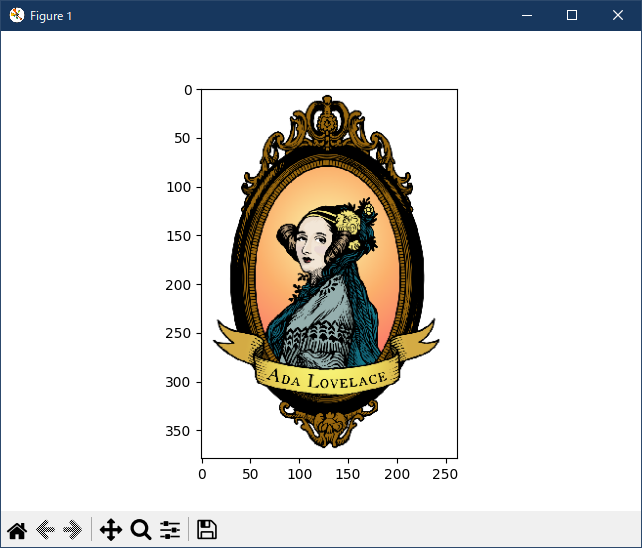
出力は、下記
fname ./ada.png
- 参照ページ
misc_Examples code: sample_data_demo.py
- リリースノート
- 2023/11/18 Ver=1.04 Python 3.12.0 (matplotlib 3.8.1)で確認
- 2023/11/18 Ver=1.04 Python 3.11.6 (matplotlib 3.7.1)で確認
- 2023/03/31 Ver=1.03 Python 3.11.2 で確認
- 2020/10/30 Ver=1.01 Python 3.7.8 で確認
- 2018/11/25 Ver=1.01 初版リリース
- 関連ページ